Pricing

Products





























Blog
Contact Us
Pricing
Products
Blog
Contact Us
Onboarding
Fundraiser Timeline
Learn why your fundraiser is still listed as onboarding on your participant profile.
As a fundraiser participant, your fundraiser is still listed as "Onboarding" in your participant profile because your fundraiser administrator has not yet activated your organization's fundraiser. This is likely because other participants of the fundraiser are still completing their onboarding steps or because they are waiting for a specific time/date to launch your fundraiser.
Until your fundraiser administrator actives your group's fundraiser (allowing your donation pages to go live and collect donations), your fundraiser will continue to be listed as "Onboarding" in your Fundraiser panel on your participant profile.
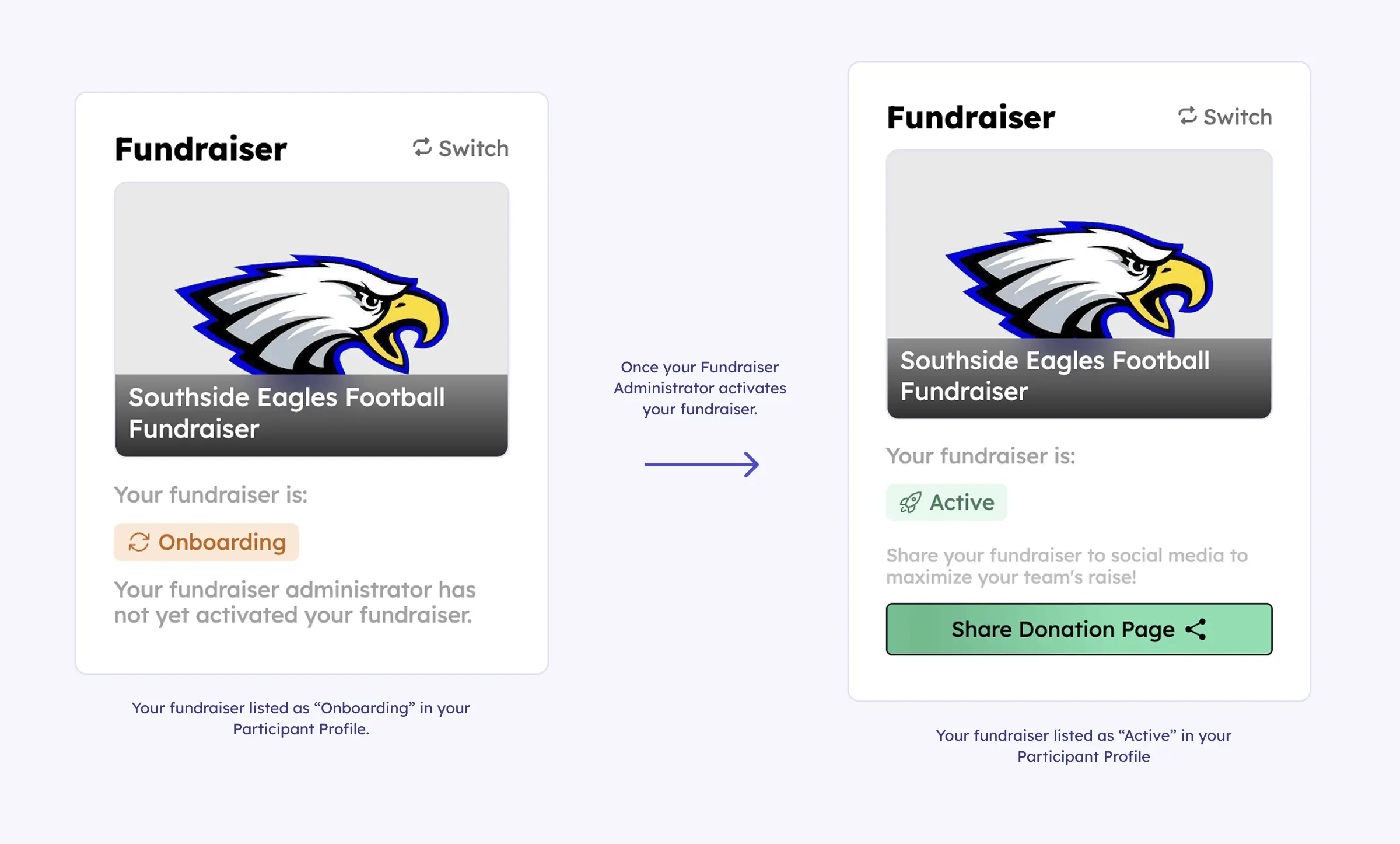
As the image above shows, your participant profile page will show that your fundraiser is "Onboarding" until your fundraiser administrator activates your group's fundraiser. Once your fundraiser is active, your donation page links will become available as a green button labelled "Share Donation Page".
With the "Share Donation Page" link, you will be able share your fundraiser via social media, copy the donation page url for manual sharing, or download a QR code. Additionally, once your fundraiser is shown as "Active" this means that Teamfi will begin to automatically reach out to your fundraiser's contacts (if you've added any) )via text to share your donation page.
Your team deserves 100%


Teamfi provides free fundraising software for school groups, sports teams, clubs, and nonprofits across the United States.