Pricing

Products





























Blog
Contact Us
Pricing
Products
Blog
Contact Us
Participants
Learn how contacts and fundraiser sharing work for your individual fundraising page.
No, you do not need to add contacts to share your individual donation page.
Once your fundraiser administrator has activated your group's fundraiser, your individual donation page's share links will be available in the "Fundraiser" section of your fundraiser dashboard, regardless of whether or not you decide to add contacts to your fundraiser.
If you do not see your donation page's share links yet, it is likely that your fundraiser organizer has not yet activated your group's fundraiser.
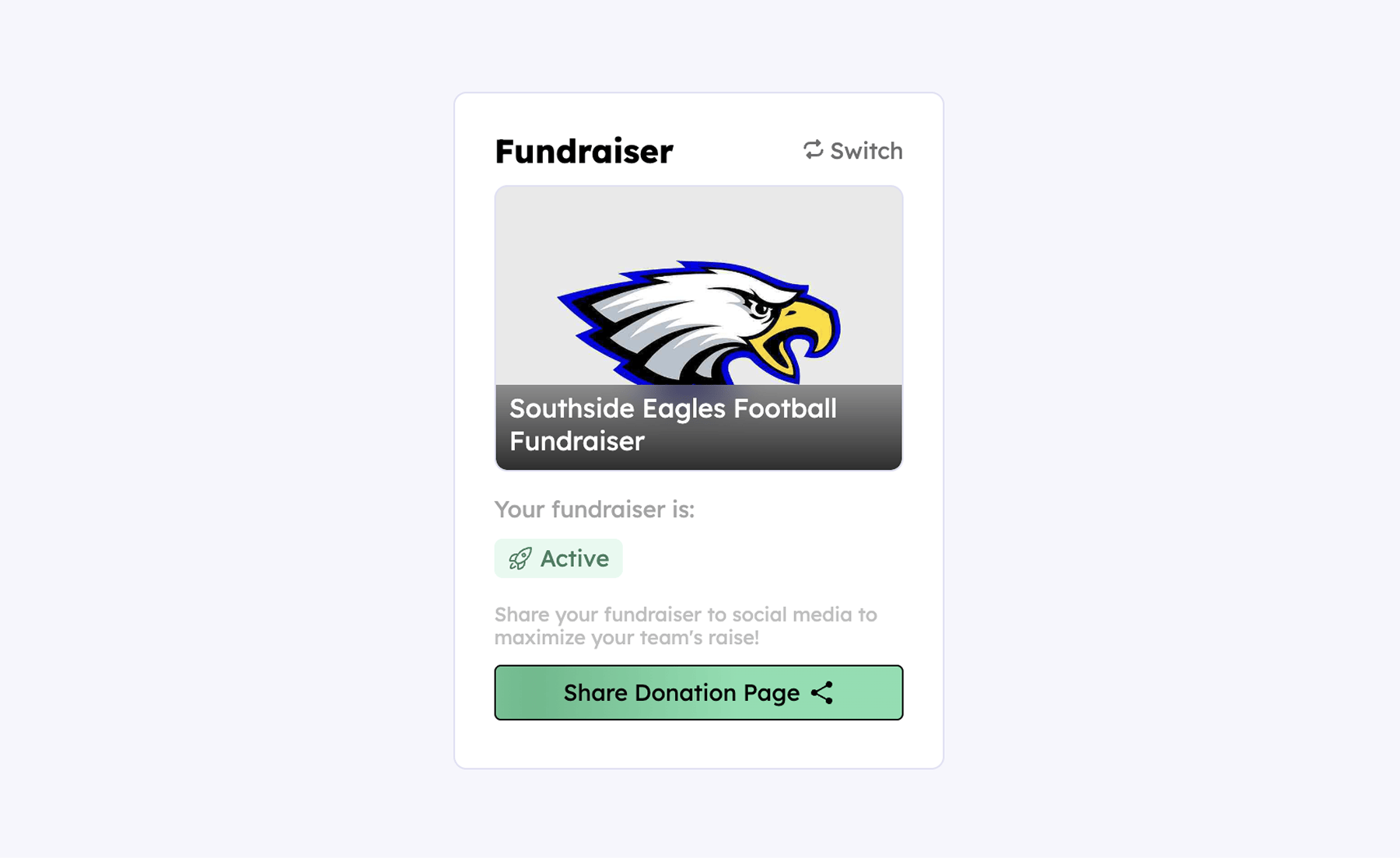
Moreover, the green "Share Donation Page" button will allow your to manually share/copy your donation page, post it to social media, and download a QR code – regardless of whether or not you choose to add contacts to your profile.
With that said, participants usually make the most of their Teamfi fundraiser when utilizing Teamfi's automated sms outreach tool by adding contacts to their fundraiser profile.
Your team deserves 100%


Teamfi provides free fundraising software for school groups, sports teams, clubs, and nonprofits across the United States.