Pricing

Products





























Blog
Contact Us
Pricing
Products
Blog
Contact Us
Participants
Learn where to find your donation page's link once it's available.
Your individual donation page link (and link sharing tools) will be available in the"Fundraiser" section of your profile page when both of the following two things are true:
Even if your individual account's onboarding is complete (your profile is updated with a donation photo using the "Update Profile" button), your "Fundraiser" section of your profile page will say "Onboarding" until your fundraiser is activated by your fundraiser organizer.
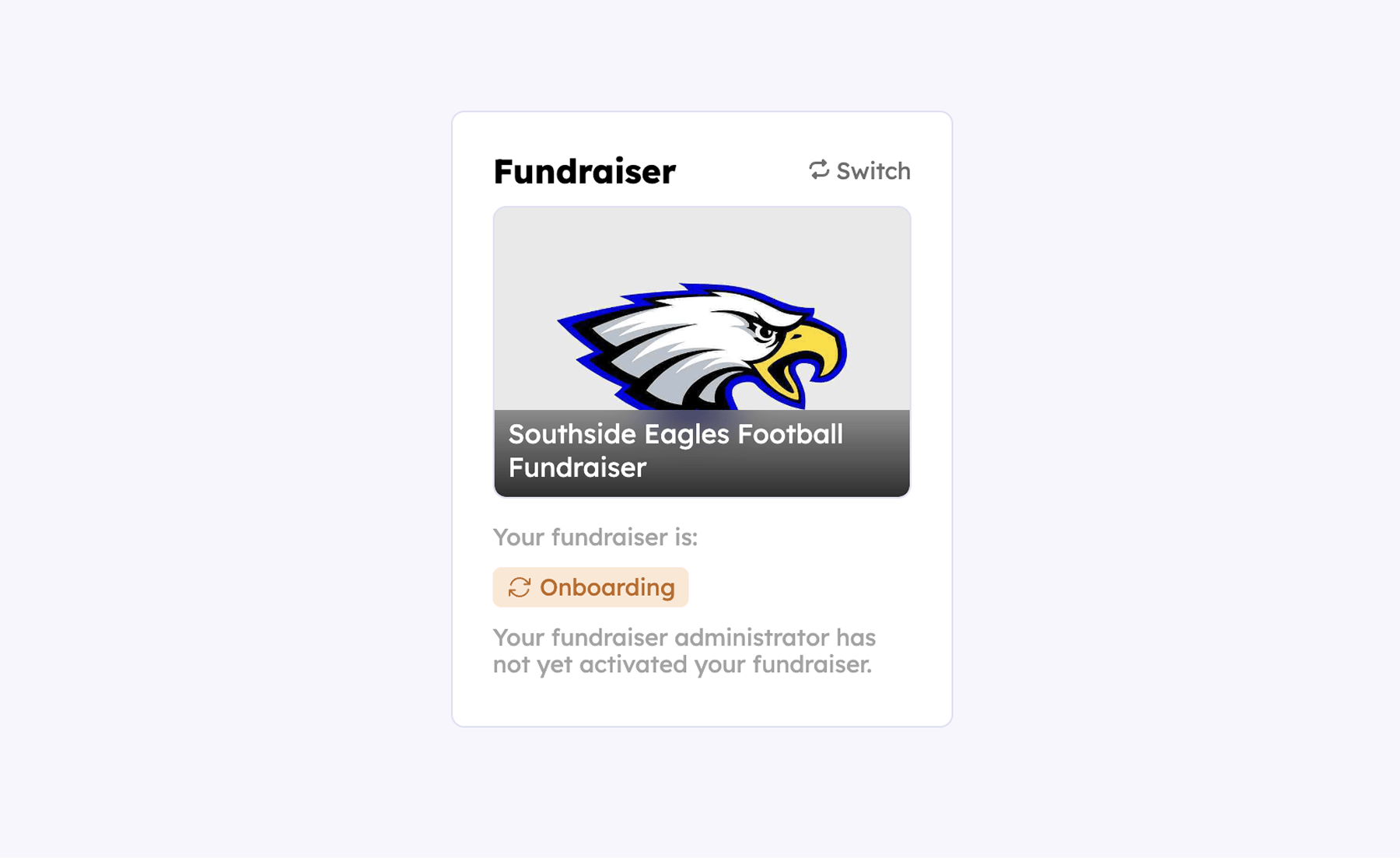
When you've updated your profile and your account still read's "Onboarding", all this means is that your fundraiser is not yet activated by your fundraiser administrator – likely because other fundraiser participants have not yet completed their individual fundraiser onboarding.
Once your administrator activates your organizations fundraiser, your donation page link will be available to share in the in the same "Fundraiser" section of your dashboard like this:
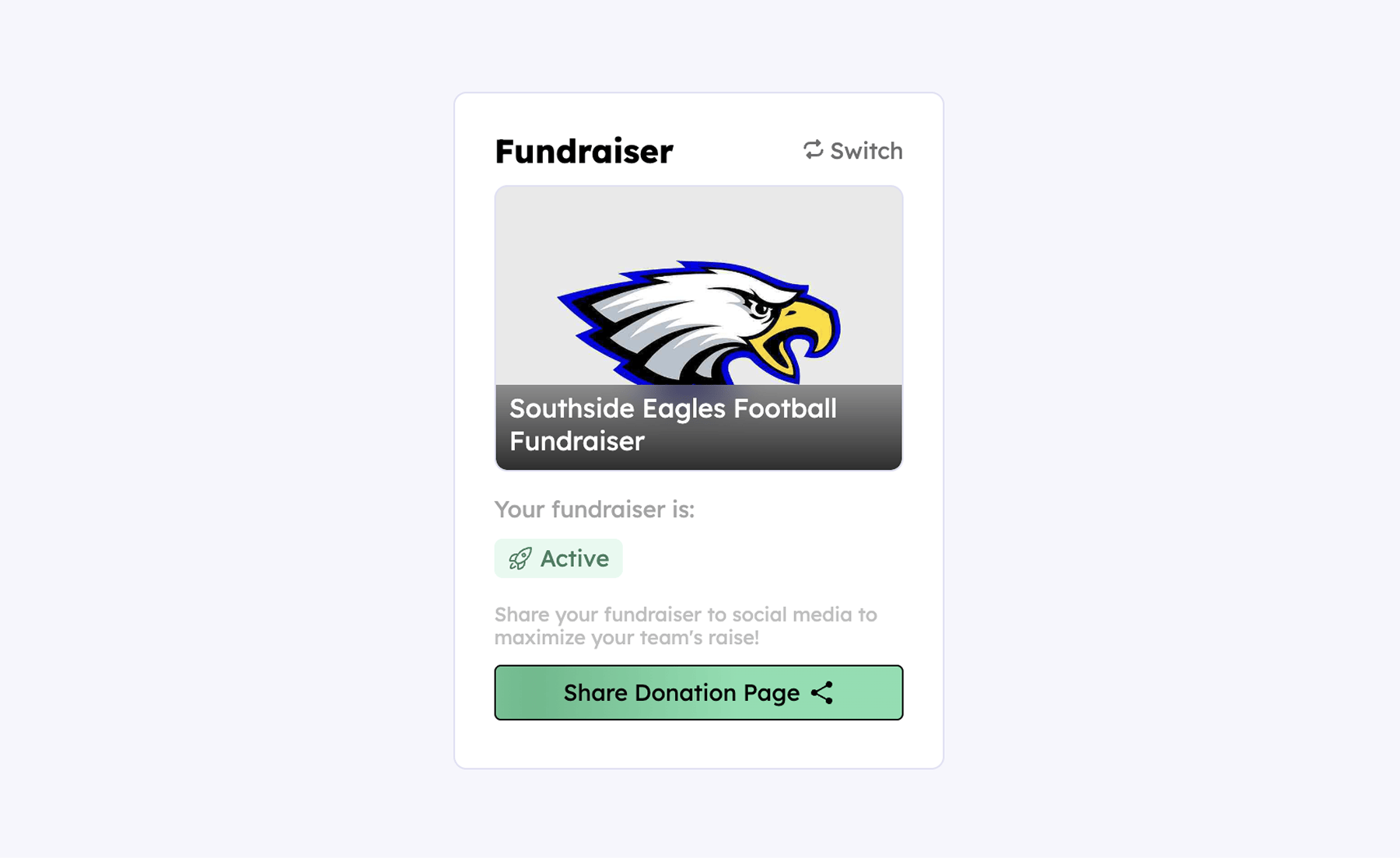
From there, you can just hover over the green "Share Donation Page" button and that will give you the option to visit your live donation page, share it via social media, copy the link, or download a QR code for it.
Your team deserves 100%


Teamfi provides free fundraising software for school groups, sports teams, clubs, and nonprofits across the United States.