






























Pricing

Products

Blog
Contact Us
Pricing
Products
Blog
Contact Us
Last updated:
October 29, 2026
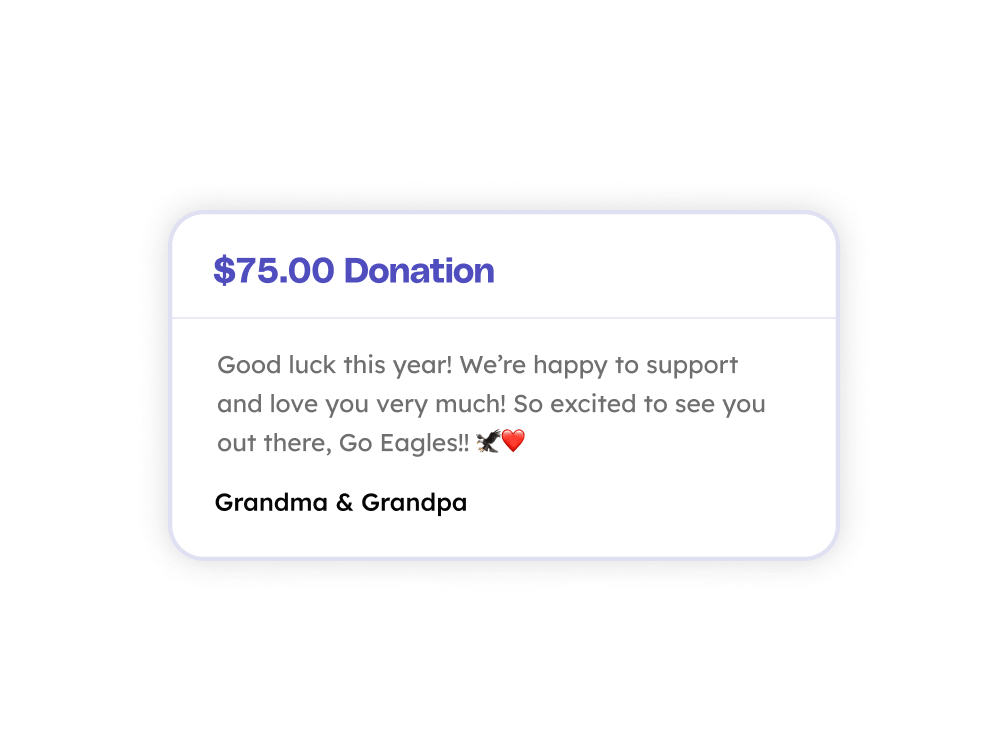
Every donation made through a Teamfi fundraiser gives the supporter the option to leave their name and a short message for the participant they're supporting. Both appear in the Recent Donations section of the participant's public donation page, so players, students, and members see exactly who is behind them and what they had to say. Additionally:
Teamfi includes the ability for donors to leave names and messages on donations on all four fundraising products (Crowdfunding Campaigns, Calendar Fundraisers, A-thon Fundraisers, and Fill My Fundraisers) at no additional cost.
Fundraising Product
Availability
Price
Donor messages are part of the standard checkout on every Teamfi fundraiser. There is nothing for admins to turn on.
Participants see every message as it comes in on their own page, and every donation with its message is tracked at the participant and fundraiser level through live metrics and CSV exports in the admin dashboard.
Can donors leave a message with their donation on Teamfi?
Yes. At checkout, every donor can enter their name and an optional message for the participant they're supporting. Both appear in the Recent Donations section of the participant's public donation page. Names and messages are available on all four Teamfi fundraiser types at no additional cost.
Where do donor messages show up?
Messages appear in two places. On the participant's public donation page, they show in the Recent Donations section alongside the donor's name if they left one, where the participant and anyone else viewing the page can read them. Inside the participant's own Teamfi profile, every name and message is also listed in the Donations section, so participants can look back through who supported them and what they said. On Calendar and Fill My Fundraisers, the donor's name also shows on the specific days or spaces they claimed.
Can a donor give without their name being shown?
Yes. Donors can choose to give anonymously at checkout. The donation shows as anonymous in Recent Donations on the participant's page and still counts in full toward the participant's and fundraiser's totals.
Your team deserves 100%


Teamfi provides free fundraising software for school groups, sports teams, clubs, and nonprofits across the United States.