Pricing

Products





























Blog
Contact Us
Pricing
Products
Blog
Contact Us
Fundraisers
Onboarding
Learn how to activate your organization's Teamfi fundraiser in two simple steps
This article will cover how to activate your organization's Teamfi fundraiser. Before activating your fundraiser your fundraiser will need the following:
One both of those criteria are met, you will have the opportunity to activate your fundraiser, which takes your donation pages "live" and allows you to start collecting donations.
To activate your organization's Teamfi fundraiser all you will need to to do is click the green button that says "Activate Fundraiser" that is located in the Fundraiser Status section of the fundraiser dashboard.
Please note that if you have not met the two criteria listed above that are necessary for activating your fundraiser, there will be no "Activate Fundraiser" button shown on your fundraiser dashboard.
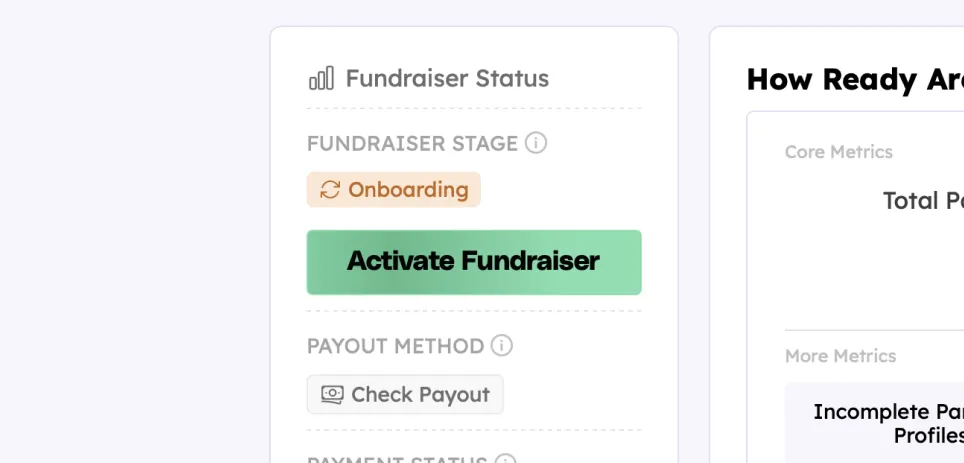
Once you click the "Activate Fundraiser" button, a confirmation modal will pop-up on your screen – this lists important information for you to confirm before activating your fundraiser.
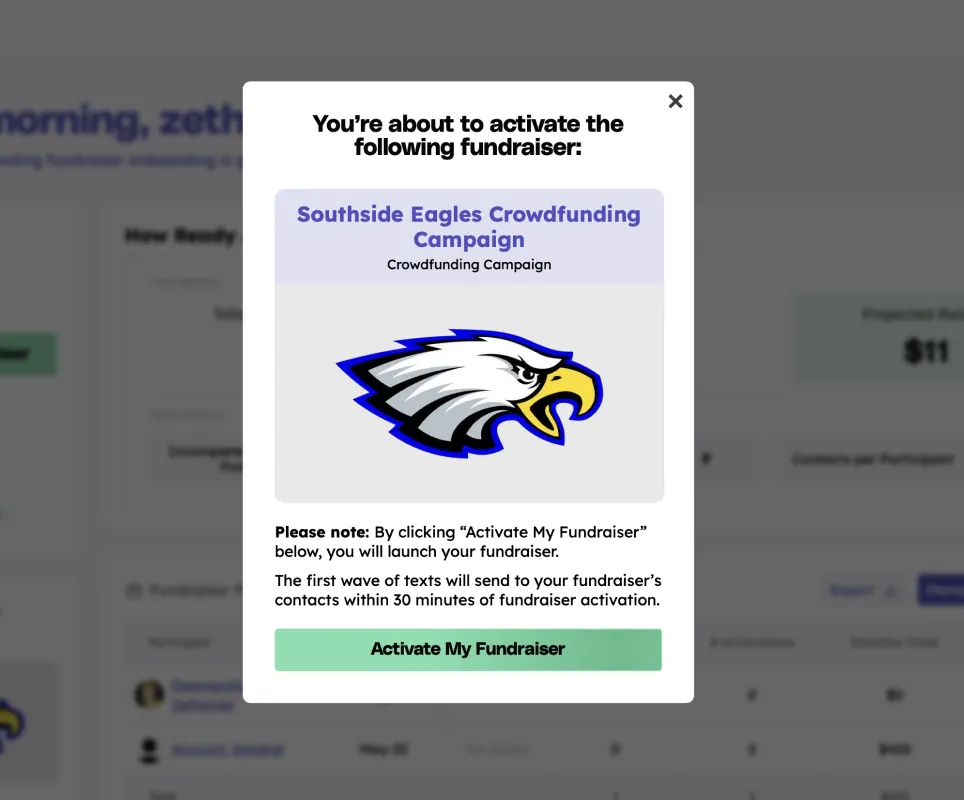
Upon clicking "Activate My Fundraiser" on the confirmation modal, your fundraiser will go live, enqueuing your organization's automatic SMS outreaches (if your organization added any contacts) and your allowing your donation pages to accept donations.
Any donations that are received will be live-trackable on your fundraiser dashboard.
Good luck launching your fundraiser! 🚀
Your team deserves 100%


Teamfi provides free fundraising software for school groups, sports teams, clubs, and nonprofits across the United States.