Pricing

Products





























Blog
Contact Us
Pricing
Products
Blog
Contact Us
Fundraisers
Onboarding
Participants
Learn how to add participants to your Teamfi fundraiser
There are three different ways to add participants to your fundraiser – this article will cover them all three:

Each of the three ways to add participants to your fundraiser is accessible via the "Manage Participants" dropdown at the top of your fundraiser's participant table.
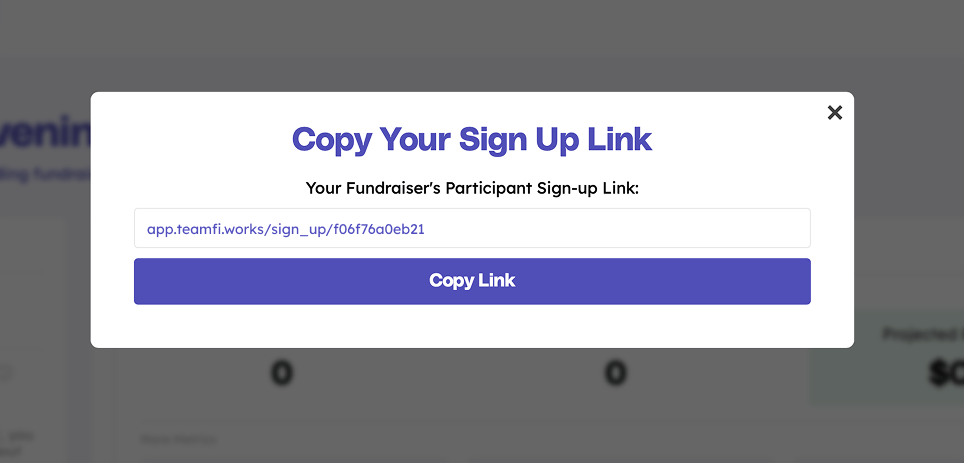
The most common way that fundraiser organizers invite participants to join their fundraiser is by using their fundraiser's unique sign-up link and sharing it with their organization. This link will allow participantsto create a Teamfi account and automatically join your fundraiser.
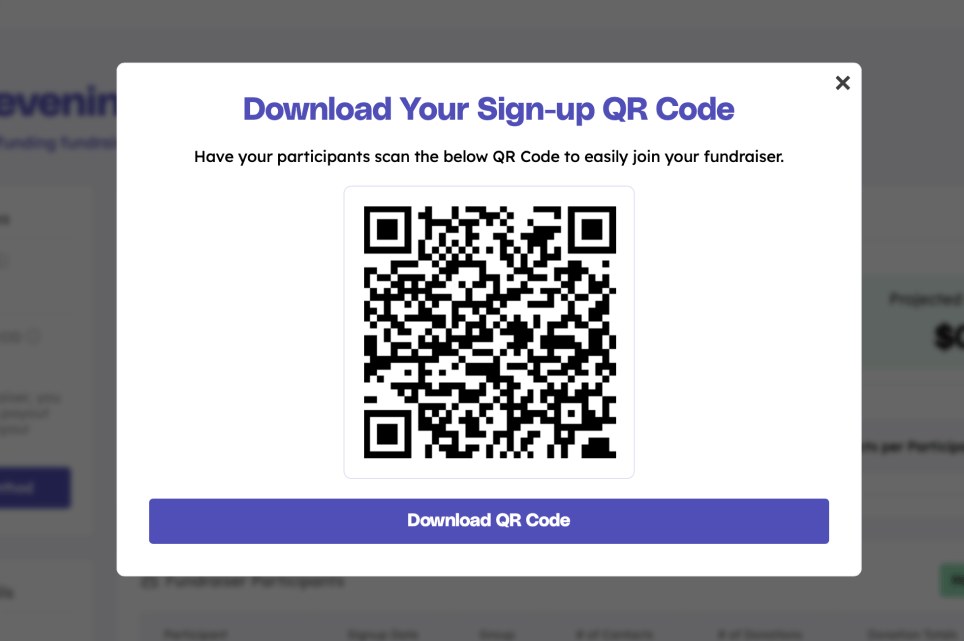
A second option to add participants to your organization's fundraiser is by QR code. On your fundraiser dashboard, you will have access to your fundraiser's unique QR code to either scan or download. Many fundraiser organizers download the QR code for fundraiser hand outs, or they project the QR code during an organization-wide fundraiser kick-off meeting.
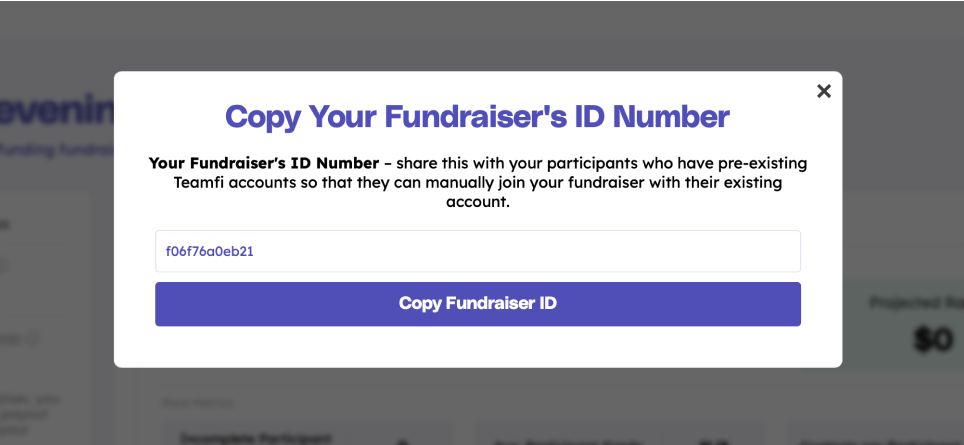
A third and final option for participants to join your Teamfi fundraiser is by Fundraiser ID. Your fundraiser's ID is a unique identifier that participants with pre-existing Teamfi accounts can use to manually look-up your fundraiser and join without having to create another Teamfi account.
Your team deserves 100%


Teamfi provides free fundraising software for school groups, sports teams, clubs, and nonprofits across the United States.